


Key Takeaways:
Save to ClickUp offers a faster, more streamlined experience than ClickUp's official Chrome extension
The extension captures full webpage content with formatting and images
Perfect integration with GTD workflow and reference management
Free tool with planned features including task creation and time tracking
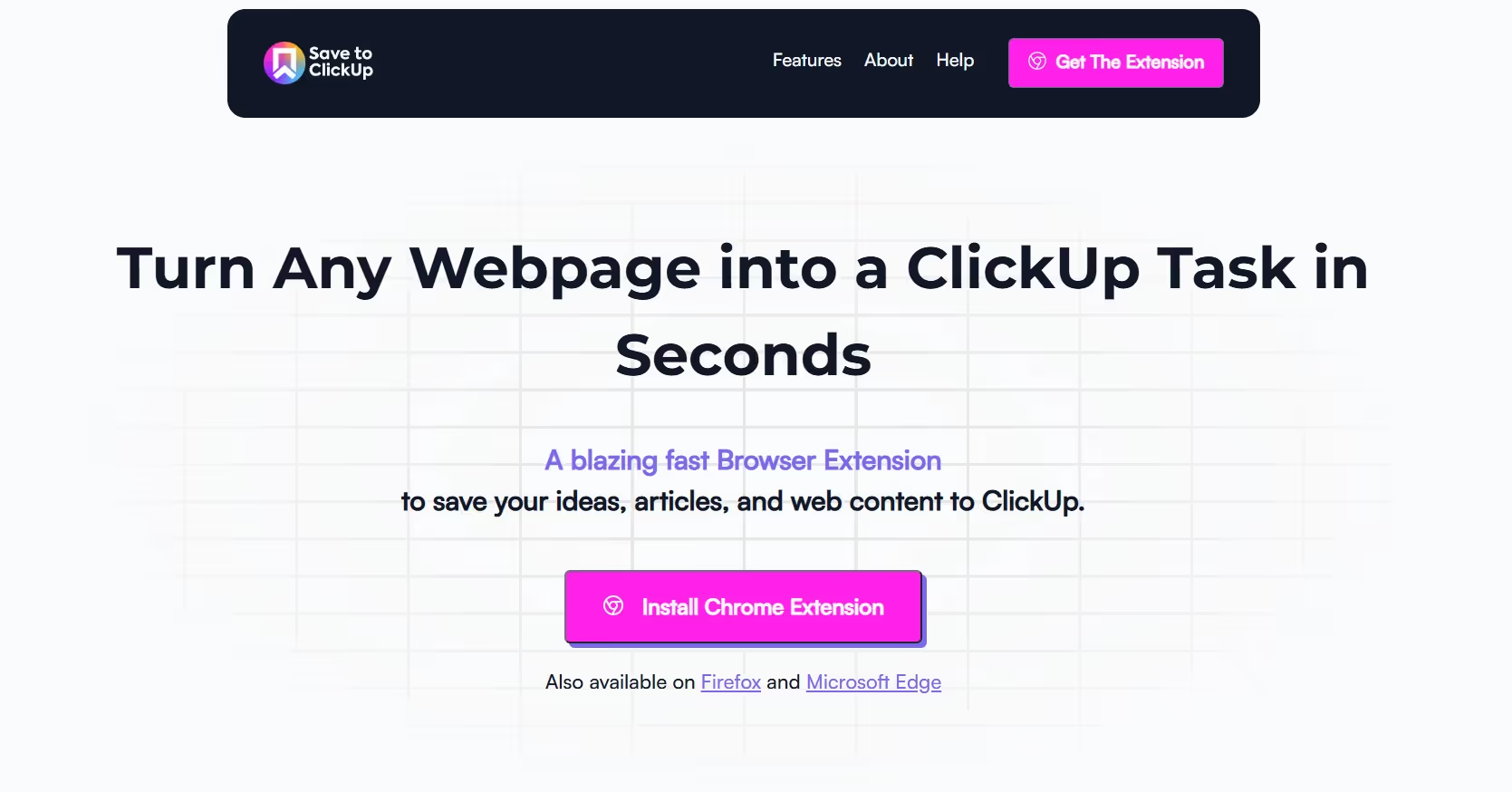
The Challenge with ClickUp's Native Extension
Does ClickUp's Chrome extension need an upgrade? Here's a faster alternative for capturing web content and managing tasks.
The official ClickUp Chrome extension, while functional, has shown its age. Users frequently report slow loading times and clunky content capture processes. This creates friction in what should be a seamless task management workflow.
Introducing Save to ClickUp
A Streamlined Alternative
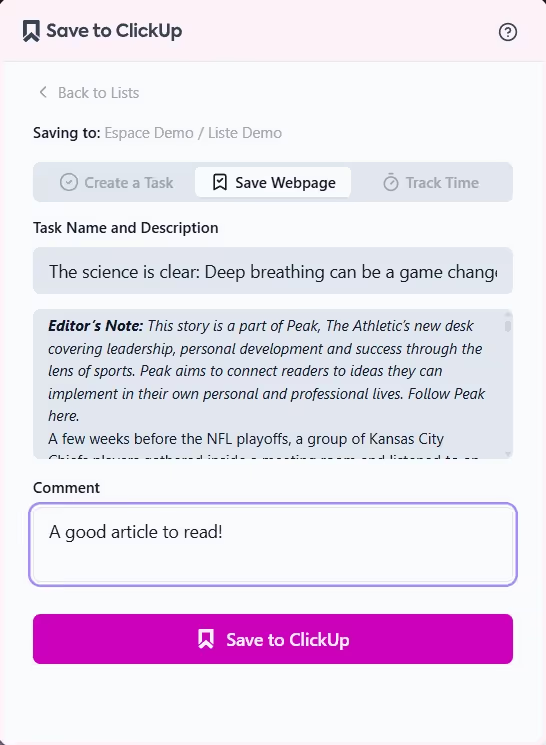
Save to ClickUp emerged from a simple observation: content capture should be fast and friction-free. This new Chrome extension delivers exactly that, offering:
Instant page loading
One-click list selection
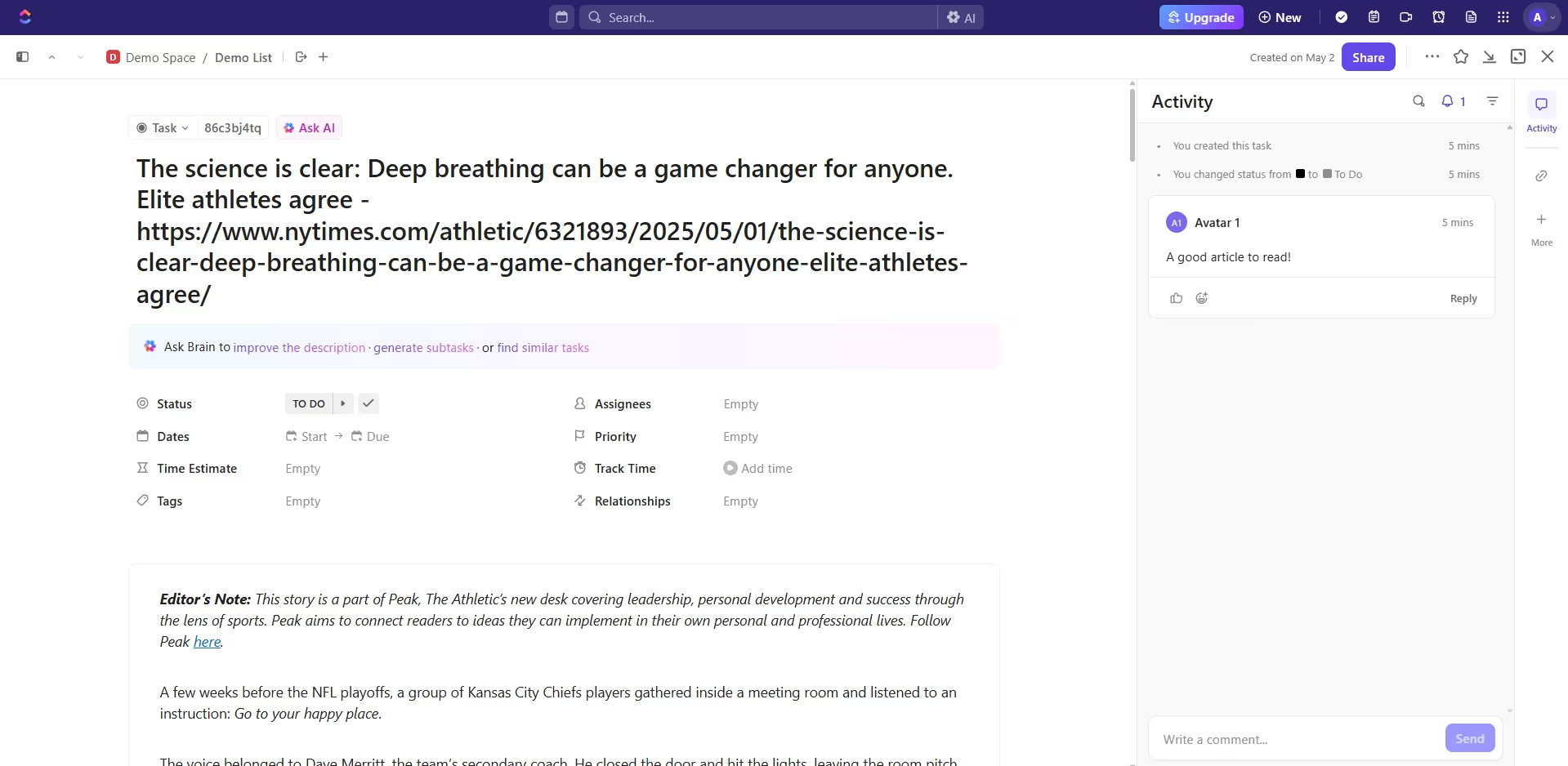
Complete webpage capture with formatting
Built-in comment functionality
Direct task opening
We also made a quick demo tour on YouTube. Feel free to watch if you want to learn how to use Save to ClickUp and discover all its features.
Feature Comparison
When compared to ClickUp's native extension, Save to ClickUp shines in several areas:
Native Extension:
Slower loading times
Multiple clicks for workspace navigation
Basic screenshot functionality
Limited content capture
Save to ClickUp:
Instant loading
Streamlined workspace selection
Full page content capture
Preserved formatting and images
Integrated commenting system
Task creation
Time tracking
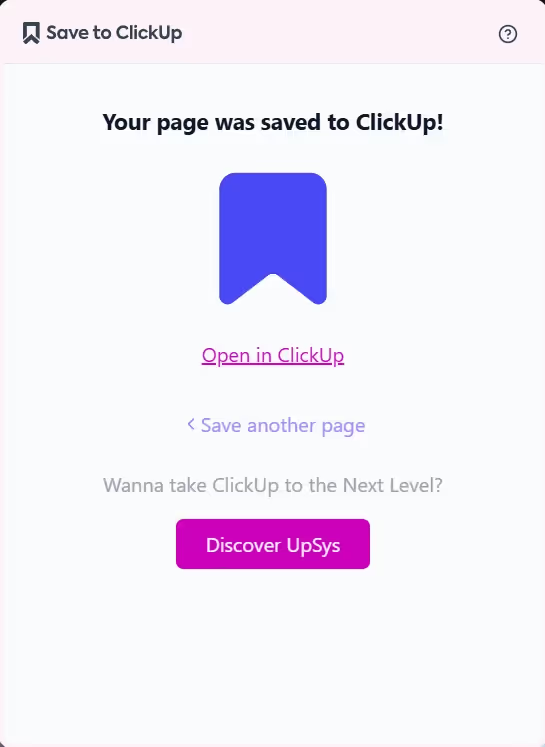
Practical Applications
GTD Workflow Integration
The extension pairs perfectly with Getting Things Done (GTD) methodology. Users can:
Capture reference materials instantly
Add context through comments
Set reminders for follow-up
Categorize content using custom statuses
Read-Later Functionality
Save to ClickUp doubles as a read-later app by:
Preserving complete articles
Maintaining original formatting
Making content accessible across devices
Supporting offline reading
New Features breakdown
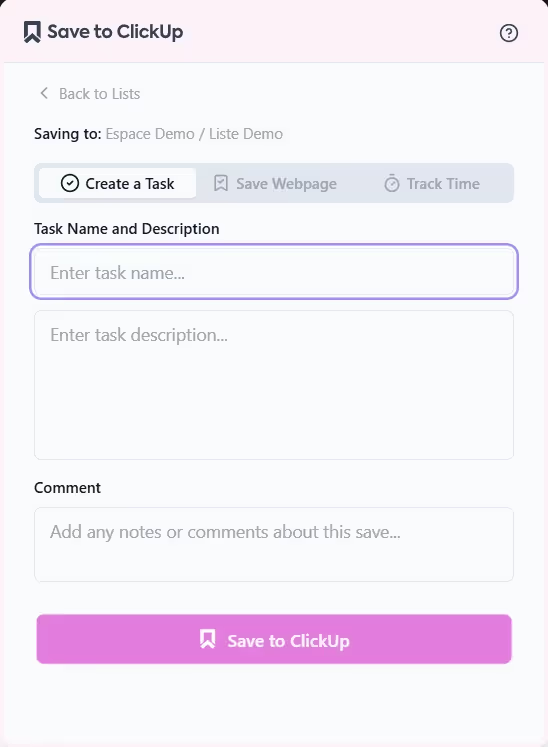
Smart Task Creation
The new task creation feature brings new capabilities:
Quick capture of tasks from any webpage
Auto-population of task details from selected content
Custom fields support
Rapid workspace and list selection
Bulk task creation from selected items
Intelligent Time Tracking
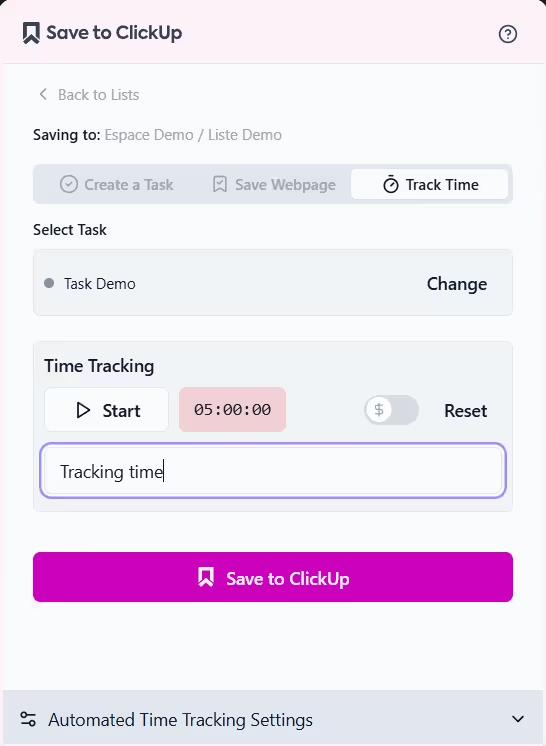
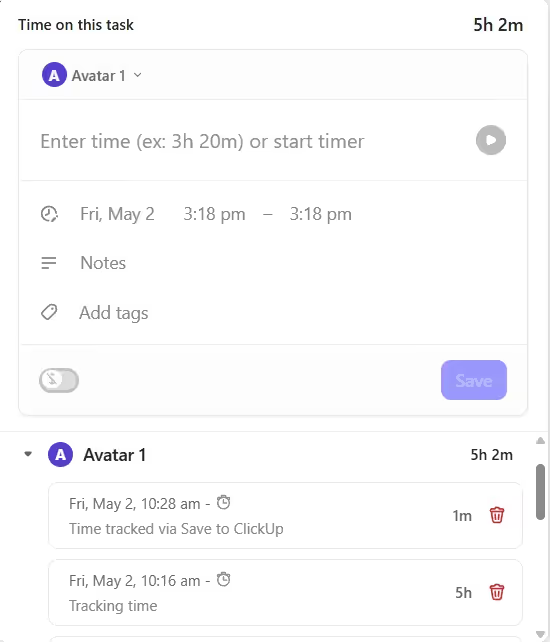
Save to ClickUp will revolutionize time management with automated time controls
Start tracking when opening tasks
Stop tracking when closing tasks
Resume previous sessions
One-click manual controls
Future development
ClickUp Inbox Integration
Auto-start timing for inbox processing
Track time spent on email responses
Monitor inbox processing efficiency
Set daily inbox time limits
Analytics and Reporting
Daily/weekly time summaries
Task-specific time analysis
Project time distribution
Performance trends
These features aim to reduce friction in task management while providing valuable productivity insights.
Community Input
The developer actively seeks user feedback to shape future updates, maintaining a commitment to keeping core features free while considering premium additions based on user demand.
Getting Started
Visit the Chrome Web Store
Search for "Save to ClickUp"
Click "Add to Chrome"
Connect your ClickUp workspace
Start capturing content with a single click
Ready to Transform Your ClickUp Workspace?
Get expert guidance to unlock your team's potential with ClickUp.
Book a free consultation and discover how we can simplify your workflows, boost productivity, and eliminate chaos from your business operations.