ClickUp Guide
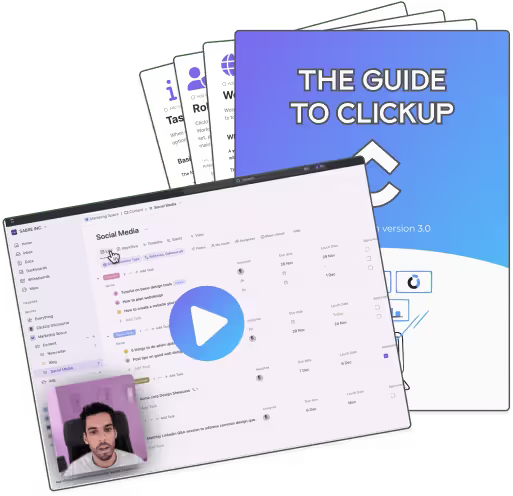
5 Days Course to grasp the basics of ClickUp.
Sound familiar?
- Tasks live in Slack, email, notebooks, and three different apps
- You've tried organizing before, but the system didn't stick past week two
- Your team asks 'where does this go?' more than once a day
- Go from beginner to intermediate in under 2 hours
- Bite-sized lessons under 30 minutes each—perfect for busy schedules
- Learn workspace setup, task management, and customization
- Practical hands-on approach—follow along with your own workspace
- Includes PDF guide with key takeaways and completion checklist
How it works
Download
Get the template and import it into your ClickUp workspace.
Configure
Follow the setup guide to match your team's workflow.
Run
Start capturing, processing, and completing work in one place.
What others say
The ClickUp to Sheets team is fantastic! They continuously improve the extension, making it even more valuable and effective.

Zack Zhang
Really easy to install and immediately started to work with Google Sheet data in ClickUp. Also, I love that there is additional content on YouTube. Great product.

Lexi Scott
Excellent extension to help me automate and export my data. Thank you!!
Christina Lawson
Love this app! Such a time saver! My company uses it to connect a ClickUp workflow to a very important spreadsheet. Just started using it but highly recommend!

Said Kenj
Love the app, helps me save so much time. Thank you!

Dylan Camara
So much time saved, thank you for this app.
Gaspard Gaudet
UpSys helped us transition from our previous project management tool, which wasn't fulfilling our video editing tracking needs, to ClickUp. The changeover was smooth and efficient, and the team quickly adapted to the new tool.

Valentin
Video Editor
Ramzi was quick to understand our needs and was able to put forward a number of proposals. He was responsive, efficient and approached our project with intelligence and enthusiasm.

Claudia del Castillo
Product Owner
I took time to step back before writing this to fully assess both the solution and how it was implemented. Today, I can say I’m very satisfied. The solution clearly meets our needs. It removed several bottlenecks for our teams. ClickUp is now part of our daily routines. Adoption is strong. Collaboration is clearer and more effective. Recent hires with strong industry experience have integrated quickly, which helped us move faster. The solution continues to improve. Updates are frequent. A good example is time tracking: initially limited, it has matured significantly since the start of the year. We’re now seriously considering using it day to day.
Pascal Bénard
Common questions
No. The template works on ClickUp's free plan. Some advanced automations may require a paid tier.
Most teams are up and running in 30 to 60 minutes. The guide walks you through every step.
Yes. The template is a starting point. You can rename statuses, add custom fields, and adjust the structure to fit how your team works.
If you're not seeing results within 14 days, reach out. We'll help you troubleshoot or issue a full refund.
Stop losing work to scattered systems
Get a proven framework and set it up in under an hour.