

Agency Master
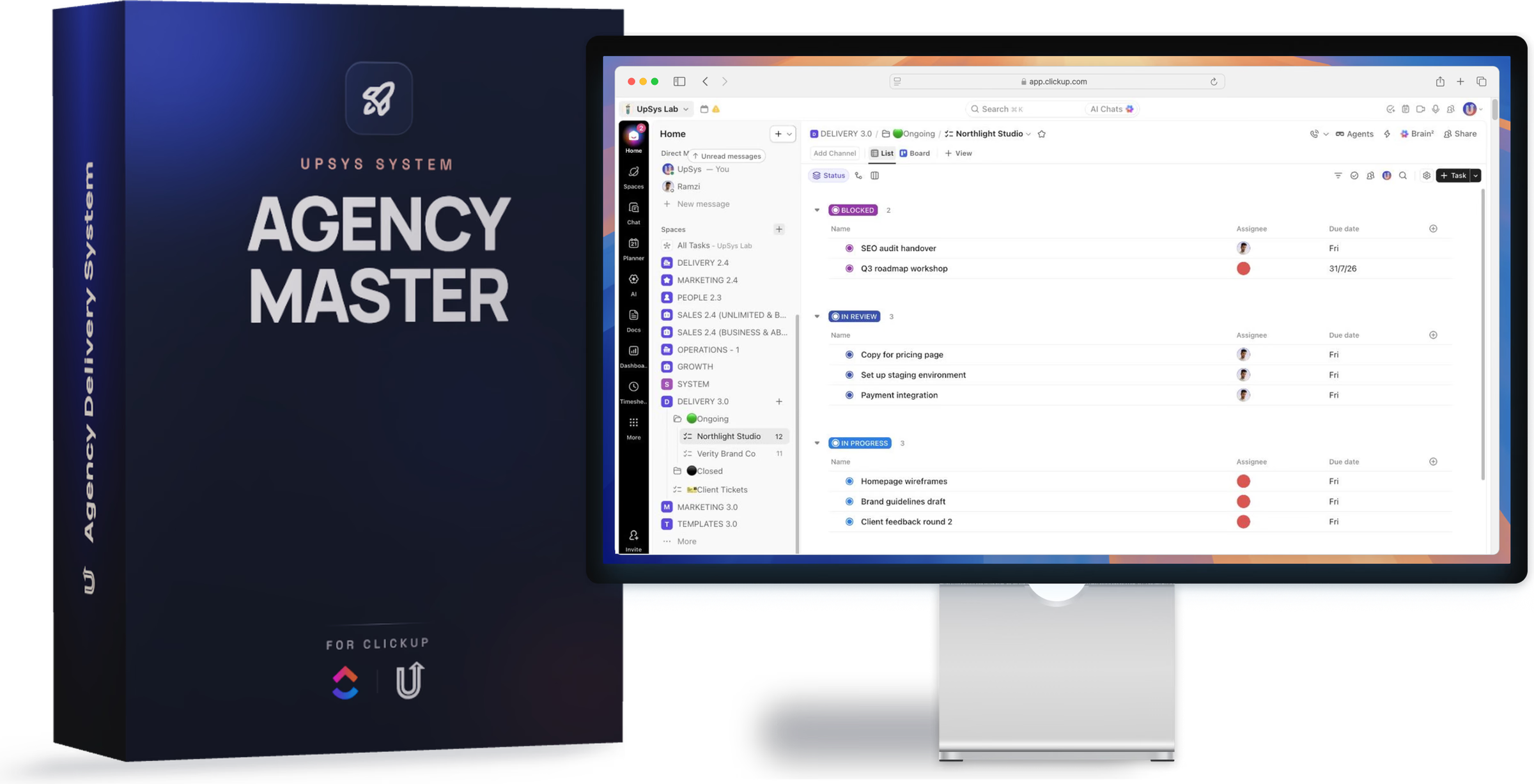
The agency operating system in ClickUp, plus the course that installs it. 5 spaces, one week batches, two automations that date the week for you, and a capacity view that shows who is overloaded before Monday. 23 lessons across five modules. Requires ClickUp Business.
14-day money-back guarantee. If it doesn't work for your team, you get a full refund.


4.9/5
19 client reviews
You'll learn
- 5 spaces, the same shape on every client: delivery, sales, marketing, admin, system
- A clear view of your team's capacity every week, without having to hire a project manager
- Two automations date the week for you, so nobody types a due date again
- Batches of one week: plan on Monday, heads down midweek, review on Friday
- Overdue and carry-over tracked apart, so a clean board means the work actually happened
- Five starting points for five kinds of agency: web, social, video, PR, content
- Runs on ClickUp Business, the plan the Workload view and the automations need
The agency operating system in ClickUp, and the course that installs it.
Agency Master 2.0 is a pre-built ClickUp workspace plus 23 video lessons that walk you through installing it on your own account. You finish with a system your team runs on, not a template you meant to configure.
What you install
5 spaces with the same shape on every client: delivery, sales, marketing, admin, system
Two automations that date the week for you, so nobody types a due date again
A capacity view reading points per person, capped at fifteen a week
Five vertical starting points: web, social, video, PR, content
A wiki that documents the whole system for the people you hire next
How the week runs
Work moves in batches of one week. You plan on Monday, the team works heads down midweek, and you review on Friday. Overdue and carry-over are tracked apart, so a clean board means the work actually happened rather than that the dates were moved.
The course
Five modules, 23 lessons. An introduction and a tour, the framework behind the 5 spaces, the click by click install, the weekly rhythm once it is live, and where to take it further with AI.
Who it is for
Agency founders who are still the only person who knows what is late
Teams of three to fifteen running several clients at once
Anyone on ClickUp Business, the plan the capacity view and the automations need
From other customers
 Melanie Das
The team went above and beyond, from automations to SOPs and walk-through videos. It really felt like white-glove service, and I've already saved hours getting new hires up to speed.
 Mark Robinson
UpSys helped us improve our system and actually make the transition to ClickUp, which we had been trying to do for a long time. They delivered what we were looking for, were flexible and supportive, and fixed a lot of problems and complexities from previous...
 Fabien CLEMENT
We were looking for a powerful tool to plan our teams and monitor our activity that was user-friendly, dynamic, and easy to use. Our objective and the challenge we faced was to get our staff to adopt a new business management method in which they would become active...
 Guillaume Raullin
I got in touch with Ramzi for some automation stuff, and his coaching really opened my eyes, especially about ClickUp's limits. He came up with a Make solution, and honestly, we're super happy: everything's running smoothly.
I took time to step back before writing this to fully assess both the solution and how it was implemented. Today, I can say I'm very satisfied. The solution clearly meets our needs. It removed several bottlenecks for our teams. ClickUp is now part of our daily routines.
 Valentin
UpSys helped us transition from our previous project management tool, which wasn't fulfilling our video editing tracking needs, to ClickUp. The changeover was smooth and efficient, and the team quickly adapted to the new tool.
Common questions
Do I need a paid ClickUp plan?
How long does setup take?
Can I customize it for my team?
What if it doesn't work for us?

Keep your work in one system
Get a proven framework and set it up in under an hour. 14-day money-back guarantee. If it doesn't work for your team, you get a full refund.