

Recci saves about 2 hours a week with automated reminders and clear ownership

Executive summary
Recci is a legal services provider running corporate, employment and litigation matters side by side, each with its own steps and its own deadlines.
None of those processes were written down, so case status lived with whoever was handling the file. UpSys mapped the work into ClickUp templates per mission type, automated the deadline reminders, and trained lawyers, assistants and office managers on the same system. Missed actions fell by over 70 percent.
The challenge
A legal deadline that only exists in someone's head is a deadline the firm cannot cover. When that person took leave, the file stopped where they left it.
Legal and administrative processes were not mapped, so workflows differed from one matter to the next.
Case status was hard to read, and coordination gaps showed up hardest during staff absences.
Deadlines and subtask tracking depended on memory, so actions went unrecorded and unfollowed.
Some of the team was unsure how to fit ClickUp to legal work, which left adoption uneven.
The solution
The build started in workshops with the people doing the work, because a legal process modelled from the outside gets the exceptions wrong.
Workshops and training. Hands-on sessions to simplify the workspace structure and answer workflow-specific questions, with unnecessary hierarchy removed.
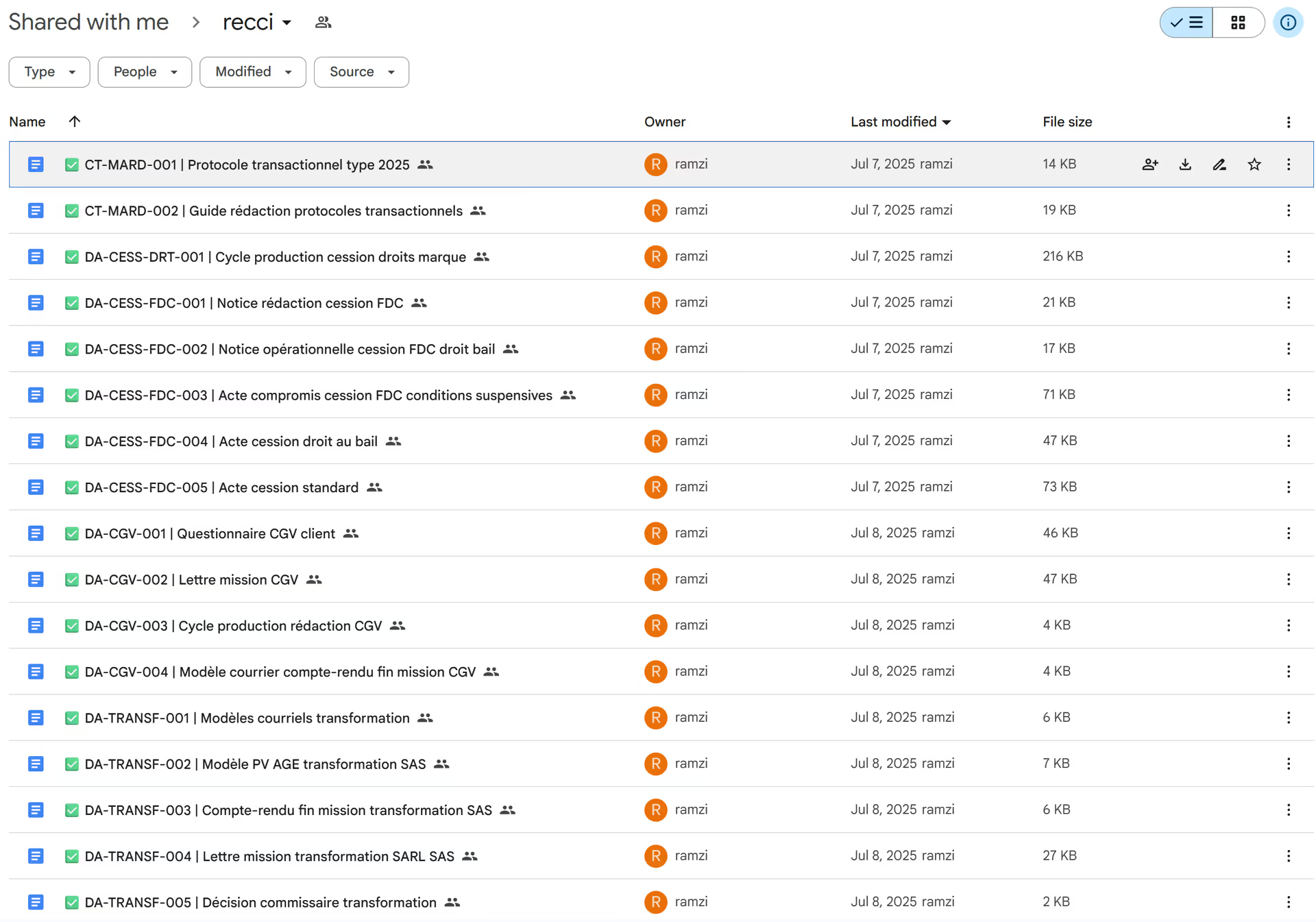
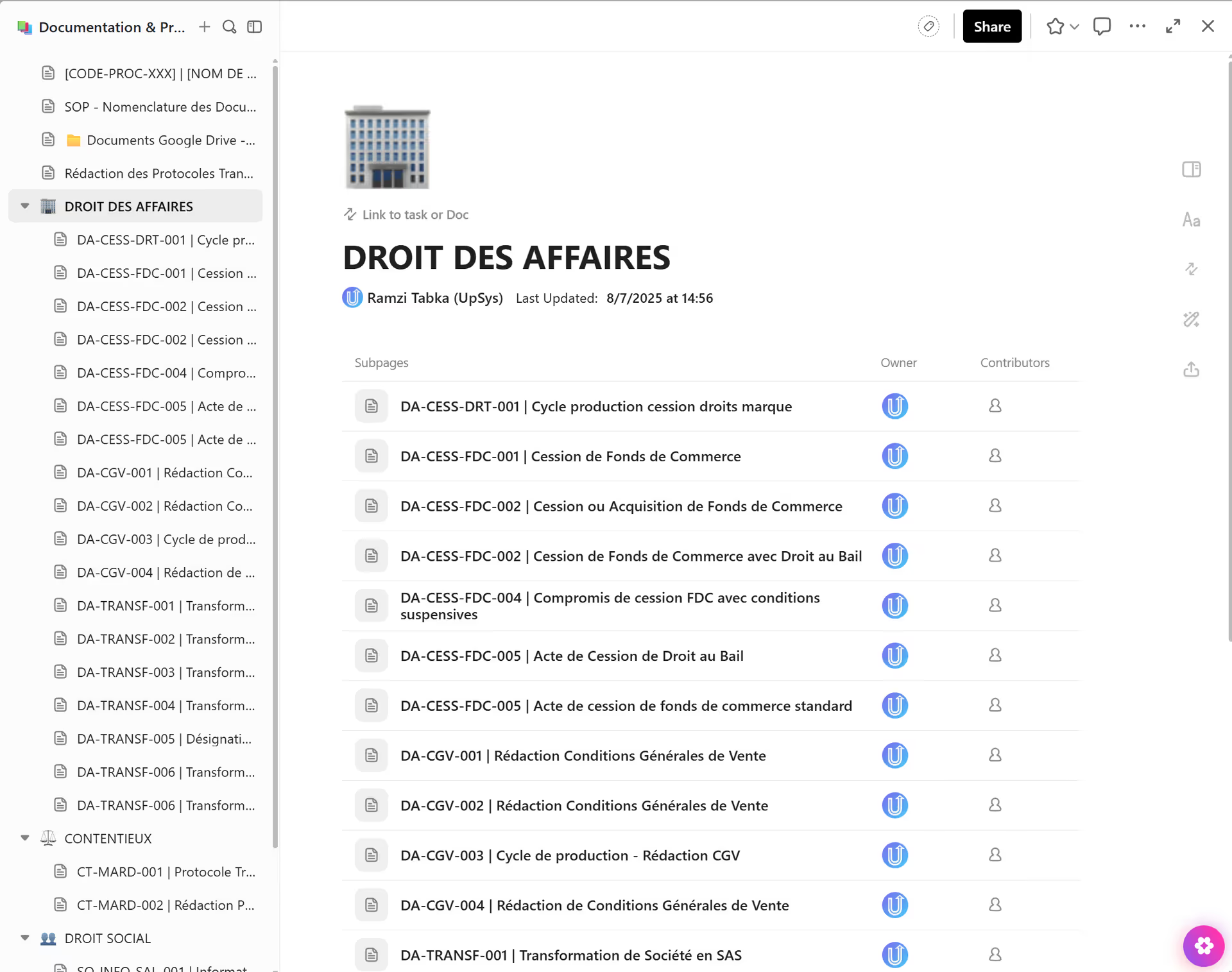
A common core template. One standard matter template that every mission type starts from.
Templates per mission type. Corporate, employment and litigation each extend the core with their own steps and checklists.
Deadline automations. Reminders, status changes and notifications fire on dates rather than on someone remembering.
Tagging and clear assignment. Every action has an owner and a completion state, so a handover reads at a glance.
Follow-up coaching. Documentation and support afterwards, starting simple and adding as the team asked for it.
The results
Custom templates per mission type make every case run the same way, with the steps visible to anyone who opens it. Automated reminders and status updates cut missed actions by over 70 percent, which is about 2 hours a week.
Real-time visibility makes handovers and absence cover straightforward, so a file no longer waits for one person to come back. Lawyers, assistants and office managers all work in ClickUp now.
Process mapping
- Before
- Legal and admin workflows were unmapped and inconsistent across case types.
- After
- Custom templates for each mission type make every case standardized and transparent.
Deadlines
- Before
- The team struggled to track deadlines and subtasks.
- After
- Automated reminders and status updates cut missed actions by over 70%.
Case handovers
- Before
- Case status was hard to track, especially during staff absences.
- After
- Real-time visibility makes handovers and absence cover smooth.
Adoption
- Before
- Some of the team was unsure how to fit ClickUp to legal work.
- After
- Lawyers, assistants, and office managers now all work in ClickUp.
More case studies


BrainWaves saves about 10 hours on every client onboarding with a ClickUp grant engine
10h saved per client onboarding


Profession Culture saves about 3 hours a week with one ClickUp workspace
~3h saved per week


Finfire saves about 10 hours a week with one source of truth in ClickUp
10h saved per week

ClickUp got built organically. Now nobody can find anything.
That is the same starting point as every story on this page. Tell us what is broken. You get back what a fixed version looks like, with the hours it hands you.
9 spots next month