

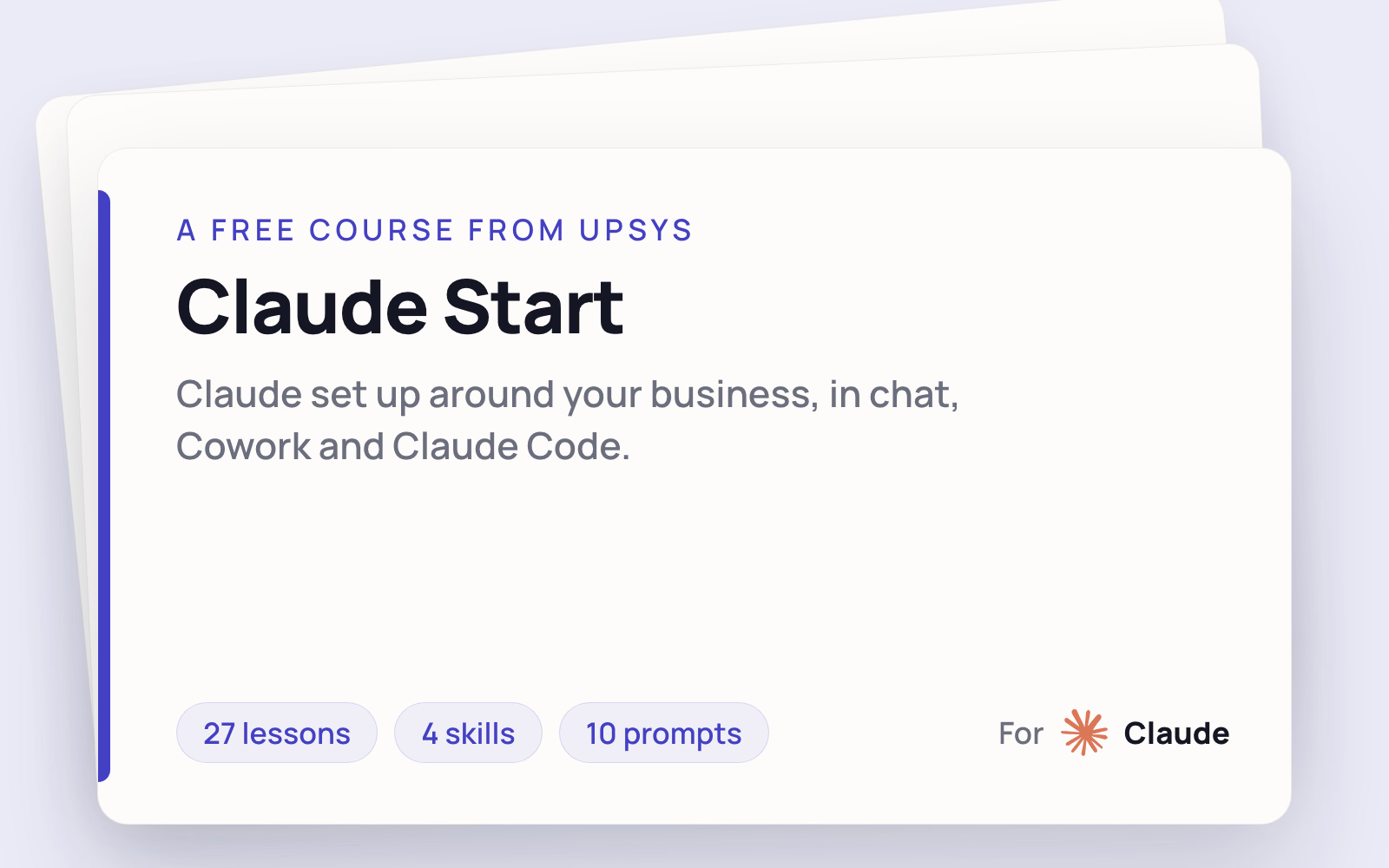
Claude Start
Five modules, 27 lessons, and three things you keep: a chat Project carrying your business context, a follow-up pack Cowork builds every week that tells you who to chase and what it is worth, and one skill file that fires in chat, Cowork, and Claude Code. Every lesson ends with something on your machine, not a note in a doc.
Free. No account, no card.
What you'll learn
- Module 1: Set up and pick your plan. You end with the right plan chosen on purpose with a written reason, all three surfaces installed and answering on your own machine, one prompt shape saved that gets a usable answer first try, and a business folder on disk that Cowork and Claude Code both read from for the rest of the course. Five lessons. This is the only technical setup in the whole thing and we do it together, early.
- Module 2: Chat, properly. You end with a Claude Project holding your instructions and your documents, memory you have read and corrected by hand, one connector wired to a tool you already use, a shareable Artifact you edited in place instead of regenerating, and a research brief with citations you checked yourself. Seven lessons. Chat stops giving generic advice.
- Module 3: Cowork. You end with a follow-up pack Cowork produces on its own: a real Excel file listing every open deal, unpaid invoice, or client you have not moved, with a value beside each one, and a chase list in send order with the first sentence already written. Six lessons covering permission modes, local file access, generated Office files, and scheduled tasks. This one keeps paying you after the course ends, and you can count what it pays.
- Module 4: Claude Code and the skill that ties it together. You end with enough Claude Code to be useful and not dangerous: reading a diff, plan mode, a CLAUDE.md holding your standards, and a recovery ladder you have practiced by breaking something on purpose and putting it back. Then you write one SKILL.md and watch it fire in all three surfaces. Six lessons.
- Module 5: Keep it running. You end knowing how often your skill actually works, because you scored it instead of trusting the one run you watched. Then you feed its failures back and watch the score move. Then you write the plan for the day a tool changes underneath you. Three lessons. Most courses stop at the demo. This is the part that decides whether you still have a working system in six months.
What others say
 Melanie Das
 The team went above and beyond, from automations to SOPs and walk-through videos. It really felt like white-glove service, and I've already saved hours getting new hires up to speed.
 Mark Robinson
 UpSys helped us improve our system and actually make the transition to ClickUp, which we had been trying to do for a long time. They delivered what we were looking for, were flexible and supportive, and fixed a lot of problems and complexities from previous...
 Fabien CLEMENT
 We were looking for a powerful tool to plan our teams and monitor our activity that was user-friendly, dynamic, and easy to use. Our objective and the challenge we faced was to get our staff to adopt a new business management method in which they would become active...
 Guillaume Raullin
 I got in touch with Ramzi for some automation stuff, and his coaching really opened my eyes, especially about ClickUp's limits. He came up with a Make solution, and honestly, we're super happy: everything's running smoothly.
I took time to step back before writing this to fully assess both the solution and how it was implemented. Today, I can say I'm very satisfied. The solution clearly meets our needs. It removed several bottlenecks for our teams. ClickUp is now part of our daily routines.
 Valentin
 UpSys helped us transition from our previous project management tool, which wasn't fulfilling our video editing tracking needs, to ClickUp. The changeover was smooth and efficient, and the team quickly adapted to the new tool.
Common questions
Do I need to know how to code?
Which Claude plan do I need?
How is this different from the free documentation?
What if it doesn't work for us?

Set Claude up around your business
Start with a chat Project holding your business context, then add a weekly review that builds itself.