


Design at Work runs 30+ retainer clients from one ClickUp system
Before & After
Executive Summary
Design at Work is a Houston creative agency running marketing for more than 30 retainer clients at once, from branding and copy through to social, email and web.
The work lived in ClickUp Docs and Google Docs rather than in tasks, so nothing could be filtered, reported or rolled up. UpSys rebuilt it as one production space with a list per client, recurring templates, role-based automations and a 4-stage workflow. The team was trained to extend the system without outside help.
The Challenge
A project list written inside a document looks organized and reports on nothing. With 30+ active retainers, every monthly update was typed out by hand, one client at a time, then merged with a separate Everhour export.
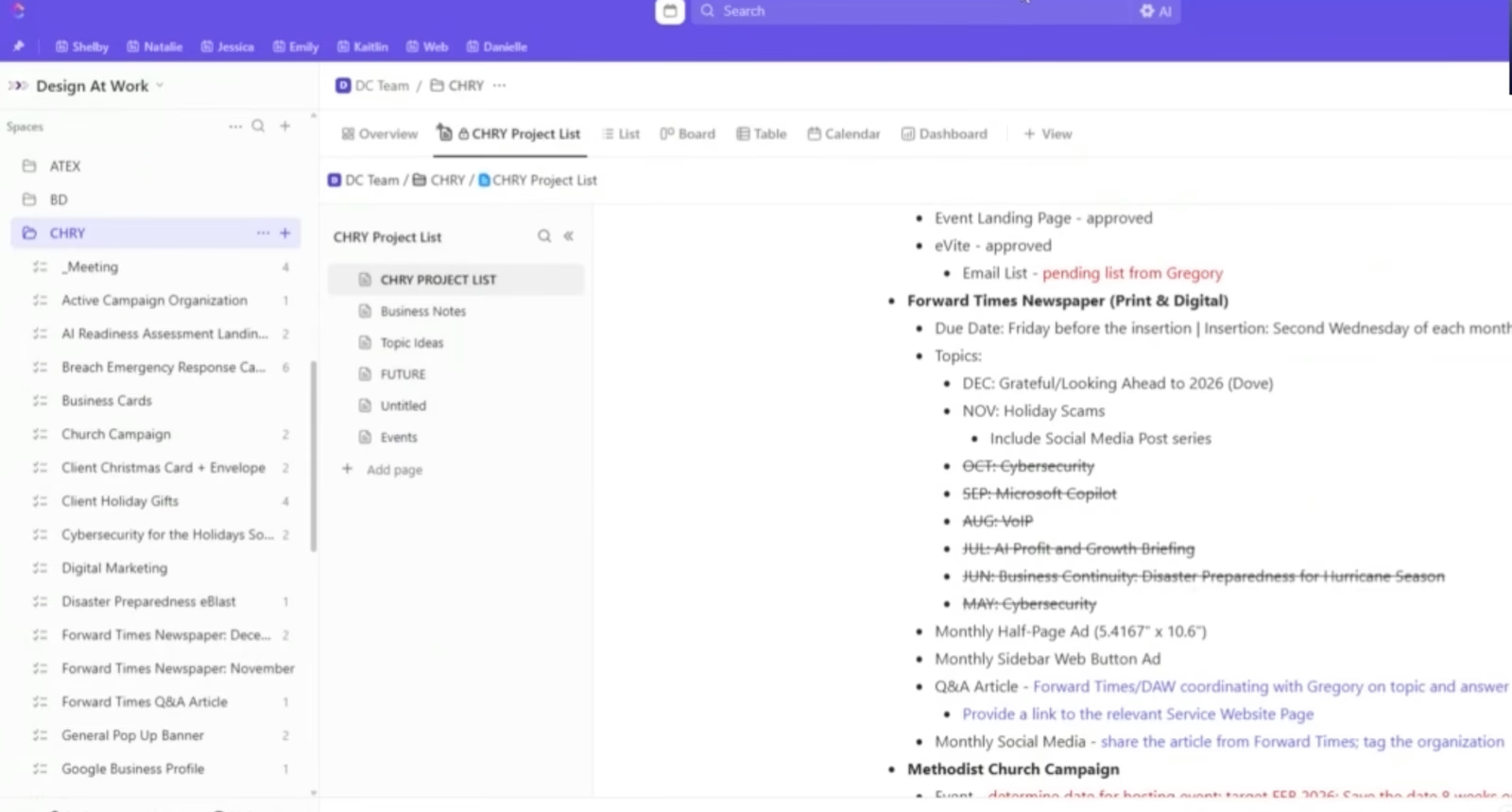
Project tracking lived in ClickUp Docs and Google Docs instead of tasks, so nothing could be filtered or rolled up across accounts.
Monthly client reports were typed by hand per account, then combined with a separate time export.
Social posts, e-blasts and website updates were rebuilt from scratch every month, with no templates behind them.
The workspace was spread across mismatched spaces and lists, with no single view of all active client work.
Clients who wanted progress had no controlled view to look at, so they asked instead.
The Solution
Everything became a task in one production space, and every recurring deliverable got a template with an owner attached.
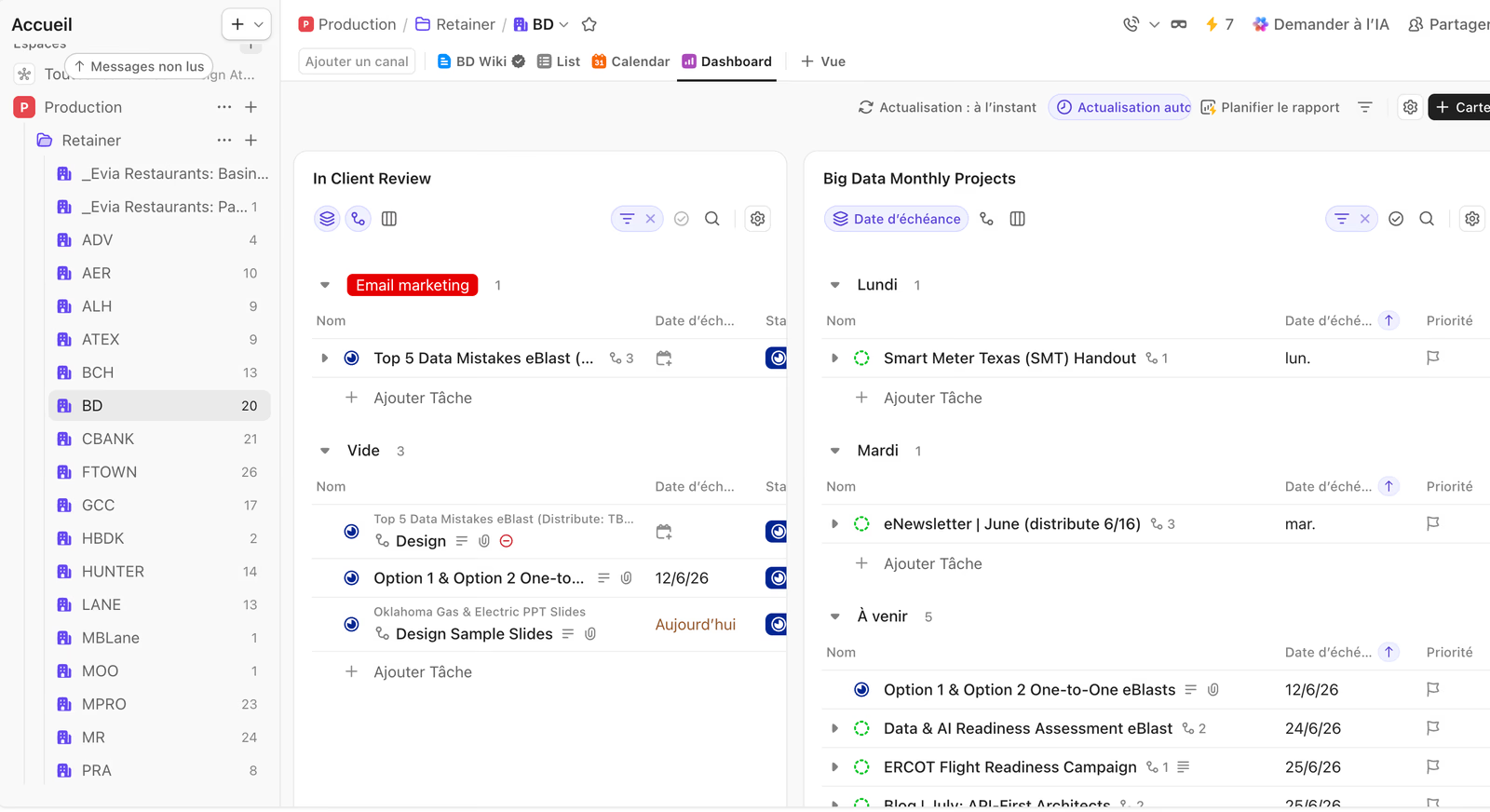
One list per client. A single production space holds all 30+ accounts, with projects as tasks and subtasks and one hierarchy level removed.
Recurring templates. The agency's most common deliverables start from a consistent baseline instead of a blank task.
Role-based automations. Each task is assigned to the right writer, designer or developer as it moves, and the team is notified on status changes.
4 stages, everywhere. To Do, In Progress, In Review and Done apply on every client list, so a status means the same thing across accounts.
Dashboards and client views. Workload, capacity and estimated versus actual time for the team, plus filtered views clients can follow on their own.
Training and a wiki. Managers and team were trained, and the whole setup was documented in ClickUp so new clients get onboarded in-house.
The Results
Reporting now comes straight out of filtered ClickUp views, with status by client visible at a glance, replacing the hand-typed monthly write-up and the separate time export. Recurring work spins up from templates with the right owner already assigned.
By the end of the engagement the team was working entirely in the new system and building its own templates. The agency runs 30+ retainer clients from one place, and nobody has to call for help to change it.
Client reporting
Recurring work
Where work lives
Task handoffs
Running it themselves
ClickUp got built organically. Now nobody can find anything.
That is the same starting point as every story on this page. Tell us what is broken. You get back what a fixed version looks like, with the hours it hands you.
4 spots left this month