

Optiwatt saves about 4 hours a week with one source of truth in ClickUp

Executive summary
Optiwatt delivers energy management and technical services, with field crews, an office team and external partners working the same client sites.
Information sat in 5 tools at once, so every project ran a little differently and nobody could say who owned what. UpSys designed a minimal ClickUp architecture around 3 spaces and linked databases for clients, sites and vendors. Within 3 months 90 percent of users were operational on it, saving about 4 hours a week.
The challenge
5 tools held the same job between them, and none of them held the whole of it. A field crew finished a site visit and the office learned about it whenever someone sent a message.
Information was scattered across Excel, OneNote, Slack, SharePoint and email, so finding the current answer meant checking all 5.
There was no view of project progress and no clear owner per task.
Coordination between field and office teams broke down regularly.
Working with external partners was unstructured, which made sharing anything a manual decision.
No 2 projects ran the same way, which cost time daily and let client requests slip.
The solution
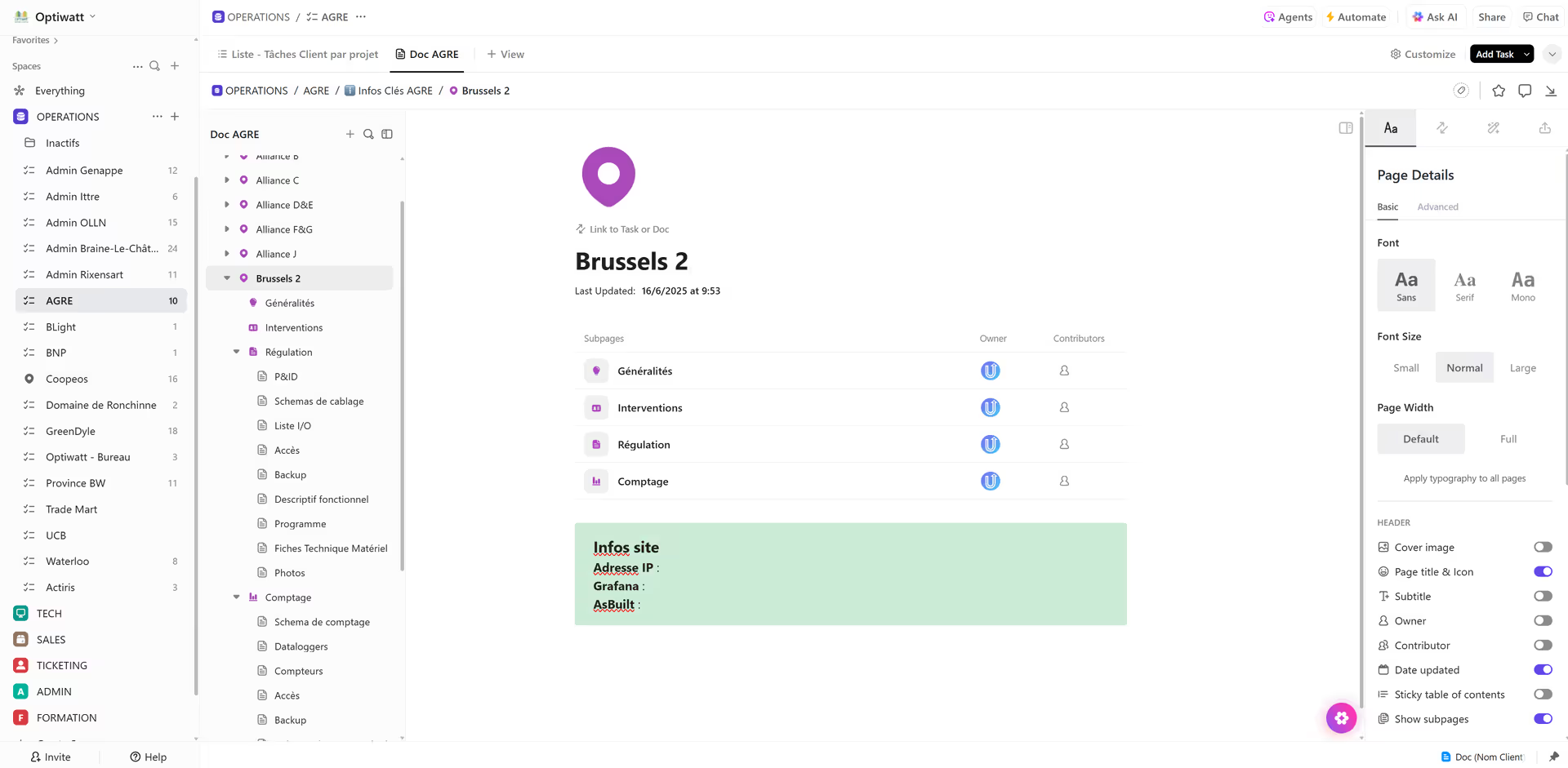
The architecture was kept deliberately small, because a structure the field can use beats a structure that models everything.
A process audit first. Workflows, user roles and real day-to-day needs were mapped before a single space was created.
3 spaces. Operations, Tech and Admin, with client sites as parent tasks and site actions as subtasks underneath.
Linked databases. Clients, sites and vendors are connected records, so opening a site shows its client and its suppliers.
Batch planning. Weekly planning with simplified estimation points, plus ready-made templates for recurring processes.
Controlled external collaboration. Automated client forms and per-partner permissions, so everyone sees their own scope.
The results
Everything is centralized in ClickUp as a single source of truth, and Gantt and board views give instant reading of workload, priorities and progress. Field crews, the office and external partners work together with access scoped to each.
Automated ticketing and ready-to-use templates removed the missed steps that came from every project running differently. Within 3 months 90 percent of users were fully operational, and the team saves about 4 hours a week.
Where information lives
- Before
- Information was scattered across Excel, OneNote, Slack, SharePoint, and email.
- After
- Everything is centralized in ClickUp as a single source of truth.
Project visibility
- Before
- There was no clear view of progress or who was responsible.
- After
- Gantt and board views give instant insight into workload, priorities, and progress.
Field and partner coordination
- Before
- Coordination between field, office, and external partners broke down.
- After
- Secure, structured access lets internal teams and partners work together without friction.
Standardization
- Before
- Every project ran differently, costing time daily and risking errors.
- After
- Automated ticketing and ready-to-use templates remove missed steps, and 90% of users are fully operational.

The team is really efficient and organized. It's life-changing for us. Everything is simpler and clearer. Our team started using ClickUp naturally.
More case studies

Repartim returned over 100% ROI in year one with one consolidated roadmap
100%+ ROI in year one


Spoke BI saves about 4 hours a week on admin with ClickUp
~4h saved per week on admin


Ecobird saves 72 hours per month by automating planning and activity tracking
72h saved per month

ClickUp got built organically. Now nobody can find anything.
That is the same starting point as every story on this page. Tell us what is broken. You get back what a fixed version looks like, with the hours it hands you.
9 spots next month